Does an AI Receptionist Work With Jobber or Housecall Pro?
An AI receptionist can work with Jobber or Housecall Pro, but how it connects matters. Here's what to ask so you aren't stuck retyping every call.
Yes, an AI receptionist can work alongside Jobber or Housecall Pro, but "works with" can mean two very different things. Some AI receptionists write the new client and job right into your software, while others only text or email you the details and you type them in yourself.
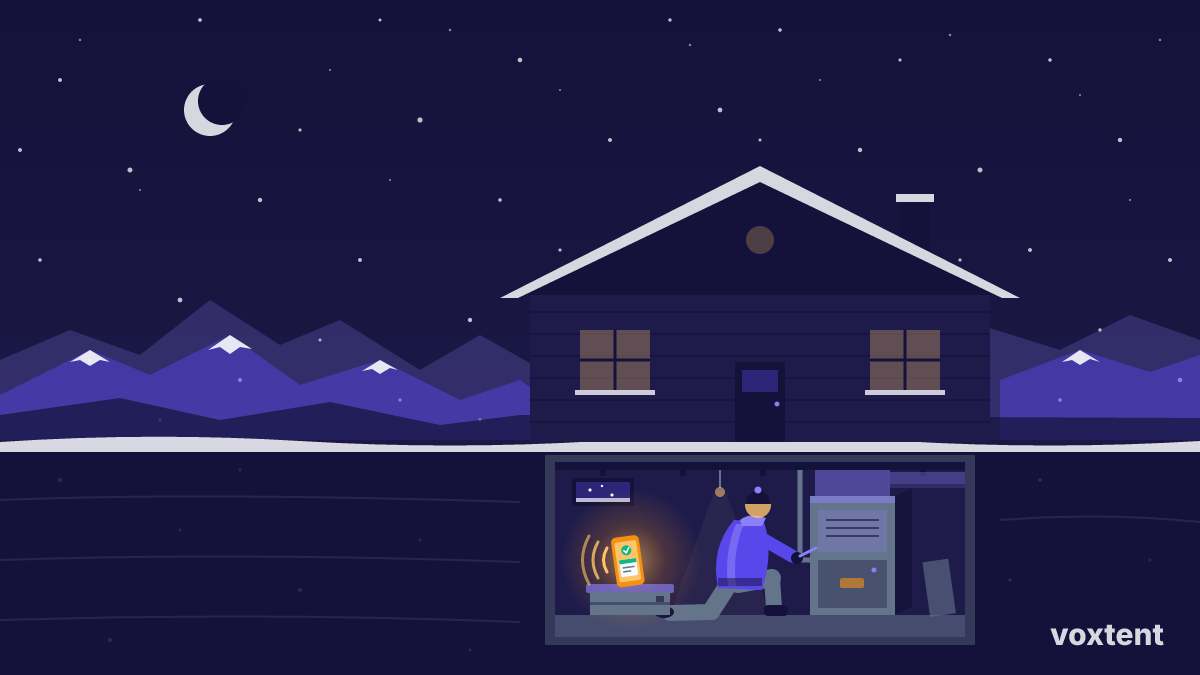
That gap matters most in a rush. Picture the first cold snap in Denver in October. Your phone lights up with no-heat calls while you're in a crawl space in Aurora. You want every caller answered, and you don't want to spend your evening copying names and addresses into Jobber.
Bottom line: Before you buy any AI receptionist, ask exactly what lands in your Jobber or Housecall Pro account after a call, and what you still have to enter by hand.
What "integration" actually means
Sales pages love the word "integrates." It can cover anything from a full two-way sync to a plain text message. Here's how to sort it out.
For what Voxtent connects to today, see our integrations page. Check it against the software you run before you sign up.
| Connection type | What happens after a call | Your work |
|---|---|---|
| Direct sync | Client and job request show up in your software | Review and schedule |
| Connector tool | A third-party tool passes details over | Set it up once, check it works |
| Text or email summary | You get the details on your phone | Enter the job yourself |
Direct sync
The AI receptionist talks to your software's system directly. A new caller becomes a new client record. The job details go where your office would normally put them. This is the least work for you, but not every tool offers it for every software.
Connector tools
Some setups use a middle-man app to move data from the receptionist into your software. This can work fine. It also adds one more account, one more bill, and one more thing that can break quietly.
Text summaries
The AI answers, gets the details, and texts you a summary. You decide what goes into Jobber or Housecall Pro. It's simple. For a one- or two-truck shop, it's often enough, since you're the one deciding which jobs to take anyway.
Tip: During a free trial, call your own number as a fake customer. Then open Jobber or Housecall Pro and see exactly what showed up. That one test tells you more than any sales page.
Do Jobber and Housecall Pro have their own AI receptionist?
Field service software companies keep adding phone and AI features, and plans change often. Check your software's current product and pricing pages, or ask your rep, to see what's included and what costs extra.
A built-in option can make sense if it fits. But compare it on the same things you'd judge any receptionist on:
- Does it answer 24/7, including nights, weekends and holidays?
- How fast does it pick up?
- Can it talk to Spanish-speaking callers?
- Does it flag emergencies and get them to you fast?
- What does it cost per month, on top of your current plan?
- Can you cancel without a long contract?
A receptionist that lives inside your software but misses the 2 a.m. burst pipe isn't saving you much.
Will it book jobs or just take messages?
This is the question that decides whether the tool earns its keep.
Voxtent can book appointments, capture job details, flag emergencies and text you a summary of every call. So even when nothing syncs, you get the caller's name, number, address and problem in writing, not a garbled voicemail.
If you run HVAC, our page on HVAC appointment scheduling walks through how booking works during busy seasons.
Watch out: Don't let the AI book into time slots your software doesn't know about. If booking and your Jobber or Housecall Pro schedule aren't connected, decide on one calendar as the boss so you don't double-book a Saturday.
What about after-hours emergencies?
Integration is nice. Answering is the job. On the Front Range, a lot of your best calls come at bad times: frozen pipes in January, no-heat calls in the first October cold snap, AC failures in a July heat wave, roof leaks after a spring hailstorm.
Those callers don't wait for Monday. If you don't pick up, they call the next contractor on Google.
Voxtent answers 24/7 in about 3 seconds, and it can flag emergencies and text you right away. You decide whether to roll a truck. For more on how that sorting works, read can an AI receptionist tell a real emergency from a routine call.
What about Spanish-speaking callers?
A lot of homeowners and property managers across Denver, Aurora and Colorado Springs are more comfortable in Spanish. If your receptionist only speaks English, some of those callers just hang up.
Voxtent speaks English and Spanish. The summary still comes to you, so you can follow up however you normally would. We also have a guide in Spanish: recepcionista con IA para contratistas en Colorado.
What does it cost on top of Jobber or Housecall Pro?
An outside AI receptionist is a separate bill from your field service software. Voxtent plans are:
- Starter: $99/month
- Growth: $297/month
- Done For You: $497/month
It's month-to-month, you can cancel anytime, and there's a free 7-day trial. Full details are on the pricing page.
Simple math, as an example: say one booked job is worth a few hundred dollars to you. If the receptionist catches even one call a month you'd have missed, the Starter plan has likely paid for itself. Your numbers will be different, so run them with your own average ticket.
How setup usually works
You don't need to change your phone number or switch software.
- Keep your existing business number.
- Forward calls to Voxtent (all calls, after-hours only, or when you don't pick up).
- Tell it your services, service area and what counts as an emergency.
- Check what connects to your software on the integrations page.
- Run test calls, then check your texts and your Jobber or Housecall Pro account.
Note: You can start with forwarding only nights and weekends. That way you can see how it handles real callers before letting it answer during the day.
Questions to ask any AI receptionist company
- After a call, what exactly appears in Jobber or Housecall Pro?
- If the sync fails, do I still get a text with the details?
- Can it book, or only take messages?
- How does it decide something is an emergency?
- Does it speak Spanish?
- Is there a contract, and can I try it free first?
If a company can't answer the first two clearly, assume you'll be retyping jobs by hand.
Key takeaways
- "Works with Jobber" can mean a direct sync, a connector tool, or just a text summary. Ask which one.
- Test it yourself: call your own line during a trial and check what lands in your software.
- Answering every call, especially after hours, matters more than how the data moves.
- Voxtent answers 24/7 in about 3 seconds, books, flags emergencies, speaks English and Spanish, and texts you every call.
- Voxtent starts at $99/month, month-to-month, with a free 7-day trial.
Frequently asked questions
Does Voxtent connect directly to Jobber or Housecall Pro?
Check the Voxtent integrations page for what connects today. Either way, Voxtent texts you a summary of every call with the caller's details, so nothing gets lost while you're on a job.
Do I need to switch my phone number to use an AI receptionist?
No. Businesses usually keep their existing number and forward calls to Voxtent, either all the time or only after hours.
Can an AI receptionist book jobs instead of just taking messages?
Voxtent can book appointments and capture job details. If booking isn't tied to your Jobber or Housecall Pro calendar, pick one calendar as the main one so you don't double-book.
How much does an AI receptionist cost on top of my software?
Voxtent is a separate bill from your field service software. Plans are $99, $297 and $497 per month, month-to-month, with a free 7-day trial and no long contract.
Want to see what shows up after a real call? Start your free 7-day trial and test it against your own Jobber or Housecall Pro account.